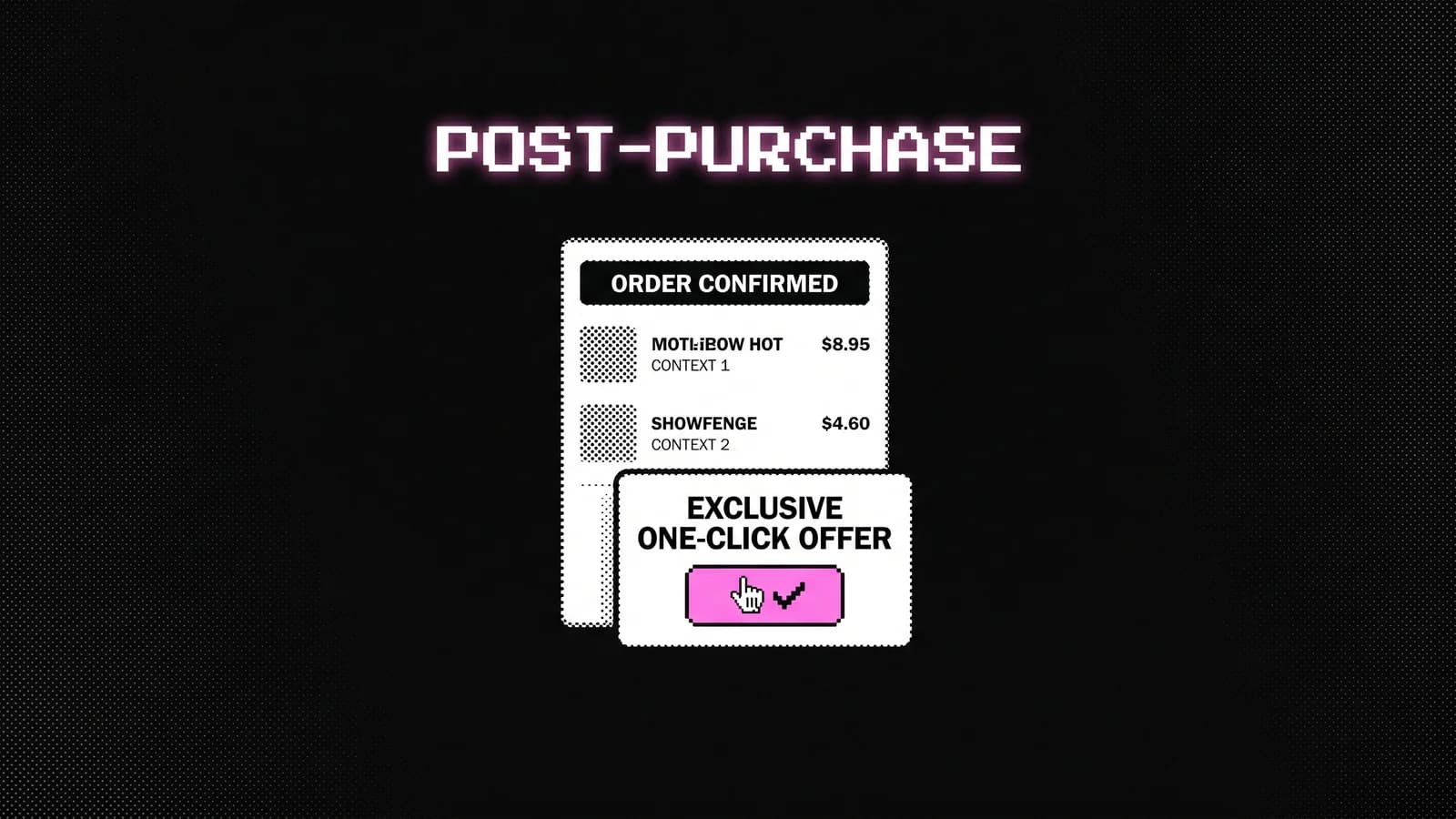
A Shopify post-purchase offer is the most underused AOV lever on the platform. Take rates of 12–34% are common. The customer has already paid, their card is on file, and intent is at its peak. There is no better moment to sell something else.
Most stores never set one up. This guide covers the complete Shopify post-purchase offer setup - requirements, what to offer, how to structure it, and what the data actually looks like.
What Is a Shopify Post-Purchase Offer?
A post-purchase offer (also called a one-click upsell) is an offer presented to a customer on the thank-you page immediately after they complete checkout. The key mechanic: they accept it with one click, without re-entering payment details. Shopify charges the card that was already used.
This removes the single biggest friction point in any upsell flow. No second checkout, no cart, no form. Just: "Want this too? Yes / No."
The result is conversion rates that bear no resemblance to typical upsell CTRs. A well-structured post-purchase offer converts at 12–34%, depending on product relevance, offer quality, and price point.
Shopify Post-Purchase Offer Setup: Platform Requirements
The setup differs depending on your Shopify plan:
Shopify Plus: Use Shopify's native post-purchase checkout extensibility (checkout.liquid or Checkout UI Extensions). Build directly in the checkout flow with full control. No third-party app required, though apps like Upsellr add targeting logic and analytics.
Shopify Advanced and below: You need an app. Shopify's native post-purchase extension is available at all plan levels, but the tooling to build and manage offers without development requires an app. Options:
- Upsellr - built by Skuology, tightly integrated with Shopify's post-purchase API
- ReConvert - broad feature set, good for A/B testing
- Zipify OneClickUpsell - solid for higher-volume DTC stores
For most stores, an app is the faster path to results regardless of plan level.
How to Set Up a Post-Purchase Offer (Step by Step)
Step 1: Choose your trigger product
A post-purchase offer fires based on what the customer just bought. You need to define which product (or collection) triggers the offer.
Start with your most-bought product. If 40% of orders include Product A, your first post-purchase offer should be triggered by Product A.
Step 2: Choose your offer product
The offer product should be:
- In the same category as the trigger (complementary, not unrelated)
- Lower in price than the trigger product (or similar)
- Something with a clear "complete the set" or "you'll need this too" logic
Examples that work:
- Trigger: protein powder → Offer: shaker bottle or creatine
- Trigger: dress → Offer: matching belt or earrings
- Trigger: coffee beans → Offer: coffee filters or a second bag at a discount
- Trigger: pet food → Offer: the same product in a larger size at a volume discount
Step 3: Set the offer price
Post-purchase offers convert best when there's a small discount attached - typically 10–15% off. This frames the offer as a "thank you" moment rather than a standard upsell.
"As a thank-you for your order, we've reserved this for you at 15% off. This offer expires when you close this page."
The urgency is real because the one-click mechanism only works on this page. Don't fake it.
Step 4: Write the offer copy
The offer page should have:
- A short headline that references the product just bought ("Perfect with your [trigger product name]")
- One or two benefit lines (not feature lines)
- A clear price callout showing the original and discounted price
- A single "Add to my order" button
- A clear "No thanks" text link (do not hide this - it increases trust)
Keep it to one screen. No scrolling, no explanation of your brand values. The customer made a decision 60 seconds ago. Respect their time.
Step 5: Connect tracking
Before going live, make sure your GA4 and Shopify analytics are set to capture post-purchase conversion events separately. You want to track:
- Post-purchase offer views
- Post-purchase offer accepts
- Revenue attributed to post-purchase offers
Most apps handle this with a built-in dashboard, but connecting it to GA4 gives you cross-session data and cohort analysis.
Real Take Rates: What to Expect
Across the stores we've run post-purchase offers on, here's what the data looks like:
| Offer quality | Take rate range |
|---|---|
| Highly relevant, discounted, simple copy | 22–34% |
| Relevant, discounted, standard copy | 14–22% |
| Relevant, no discount | 9–15% |
| Generic / unrelated offer | 2–6% |
The relevance gap is larger than the discount gap. An unrelated offer with a 30% discount will still underperform a relevant offer at full price.
Your first target should be 15%+ take rate. If you're below 10%, the offer product or relevance is the problem - not the page design.
What Kills Post-Purchase Offer Performance
Offering the same product the customer just bought. This happens more than you'd think. A customer buys one bottle of supplement and the post-purchase offer is... the same bottle. They just bought it. Move on.
Pricing the offer above the trigger product. Psychologically, the post-purchase moment is not the right time to ask for more than they just spent. The offer should feel like a natural add-on, not an upgrade.
Too much copy. Three paragraphs about your brand story on a post-purchase page means the customer reads nothing and clicks "No thanks." One headline, two benefit lines, one button.
No decline option. Hiding or minimising the "No thanks" link reduces trust and increases chargebacks. Make it visible.
Not testing the offer product. Run at least two different offer products before deciding the mechanic doesn't work for your store. Most underperforming post-purchase setups are a product selection problem, not a platform problem.
Stacking Post-Purchase With the Rest of Your AOV Architecture
A post-purchase offer is one layer in a complete upsell system. On its own, it adds meaningful revenue. Combined with a spend-more bar, a PDP cross-sell, and a cart upsell, it's part of an architecture that compounds.
The full stack for a store doing €1M+ typically looks like:
- Spend-more bar (cart) → captures customers already at high intent
- PDP cross-sell above fold → captures browsing-to-buying momentum
- Cart drawer upsell → captures decision-moment additions
- Post-purchase offer → captures the highest-intent moment of all
Each layer works independently. Together they add €15–€28 per order on average. That whole architecture, and why the post-purchase layer carries the most weight, is the subject of the Invisible Second Sale™ framework.
If you're not sure where to start with post-purchase offers or your current setup isn't converting, the Revenue Scan covers every AOV gap in your store - including post-purchase - ranked by revenue impact.
You can also explore Upsellr, the Shopify app we built to run post-purchase offers, cart upsells, and goal bars without a developer.
Book a free call if you want to see what the numbers look like for your specific store.